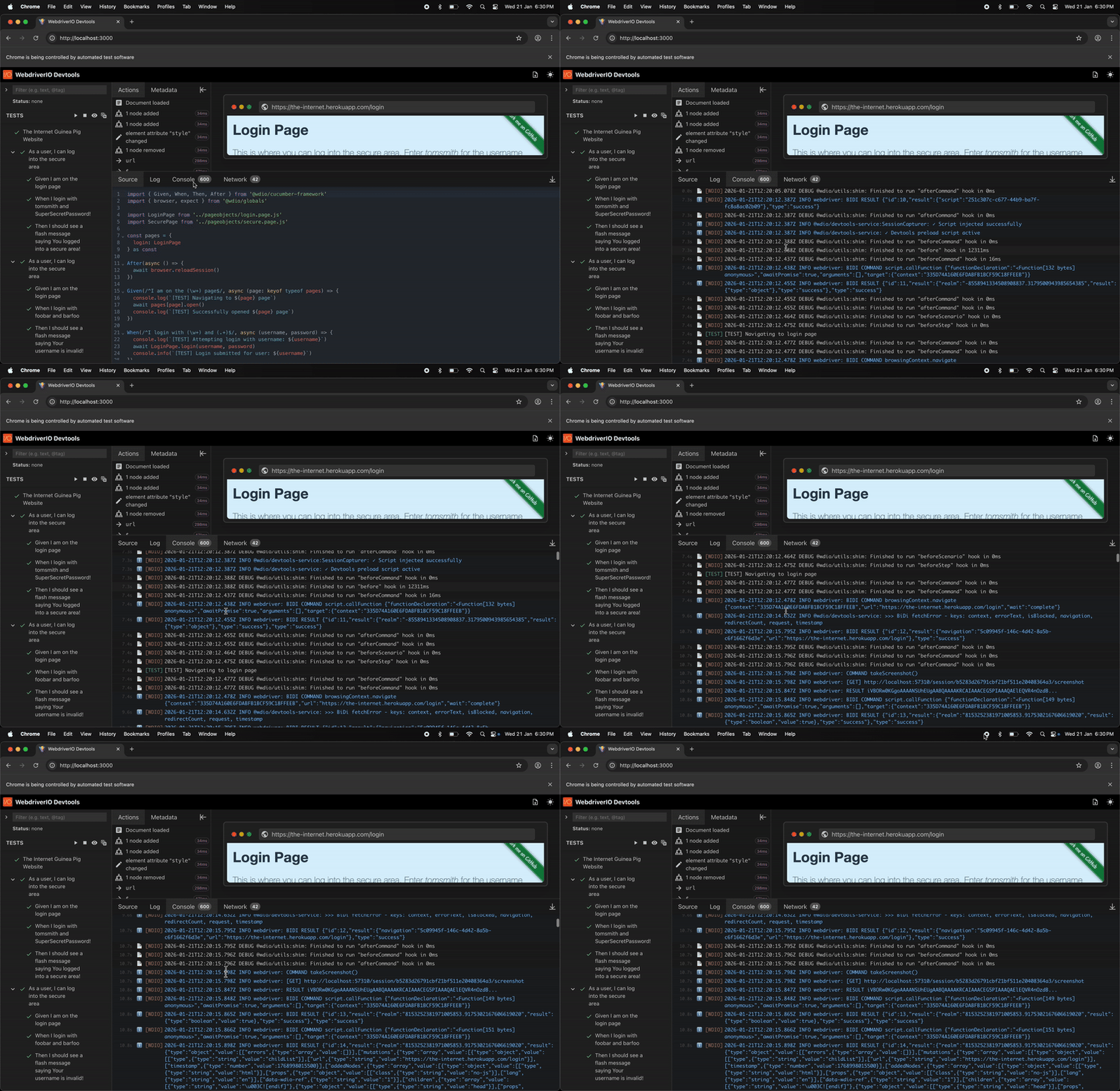
Console Logs
Capture and inspect all browser console output during test execution. DevTools records console messages from your application (console.log(), console.warn(), console.error(), console.info(), console.debug()) as well as WebDriverIO framework logs based on the logLevel configured in your wdio.conf.ts.
Features:
- Real-time console message capture during test execution
- Browser console logs (log, warn, error, info, debug)
- WebDriverIO framework logs filtered by configured
logLevel(trace, debug, info, warn, error, silent) - Timestamps showing exactly when each message was logged
- Console logs displayed alongside test steps and browser screenshots for context
Configuration:
// wdio.conf.ts
export const config = {
    // Level of logging verbosity: trace | debug | info | warn | error | silent
    logLevel: 'info', // Controls which framework logs are captured
    // ...
};
This makes it easy to debug JavaScript errors, track application behavior, and see WebDriverIO's internal operations during test execution.
Demo
>_ Console Logs