Network Logs
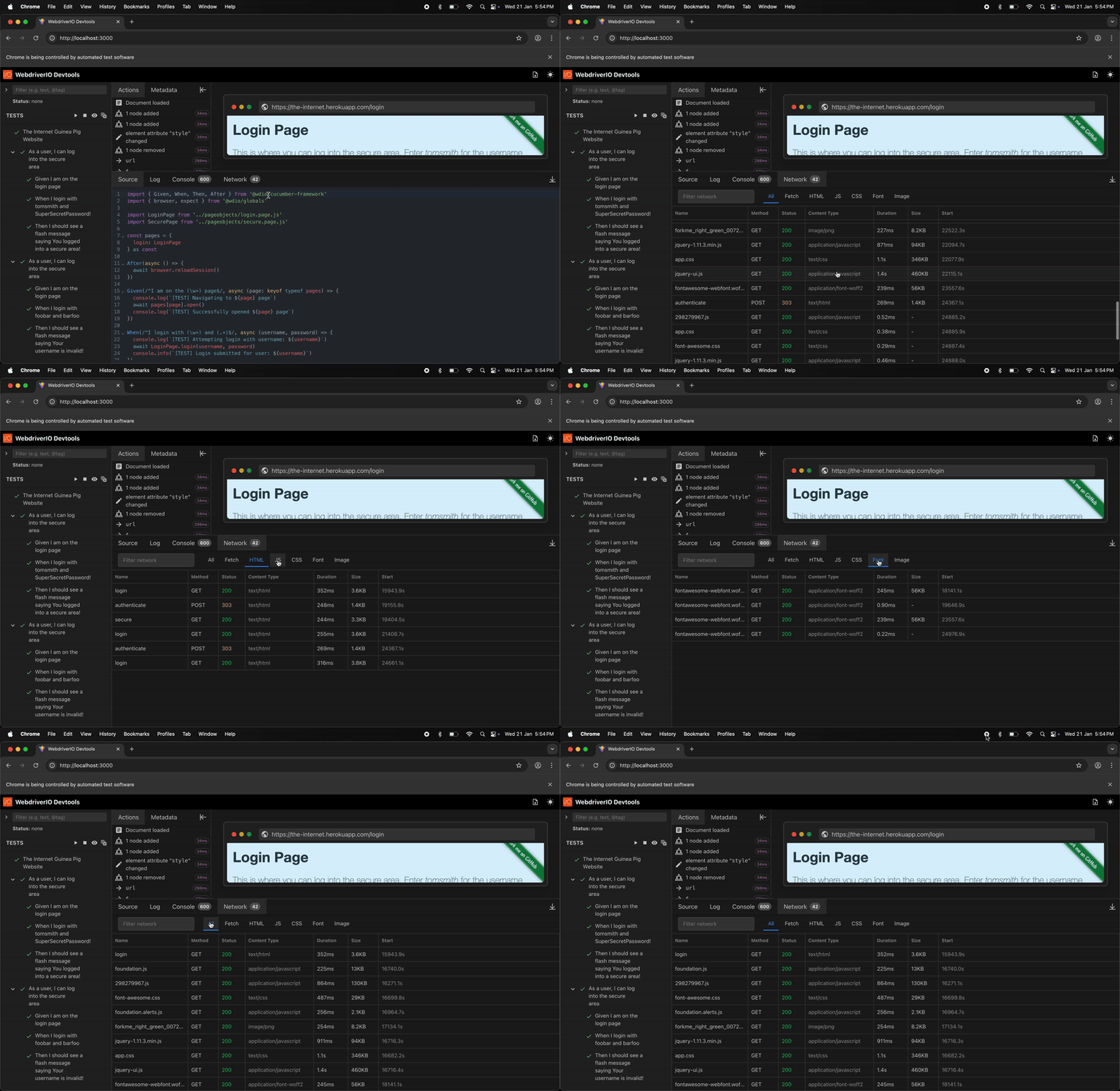
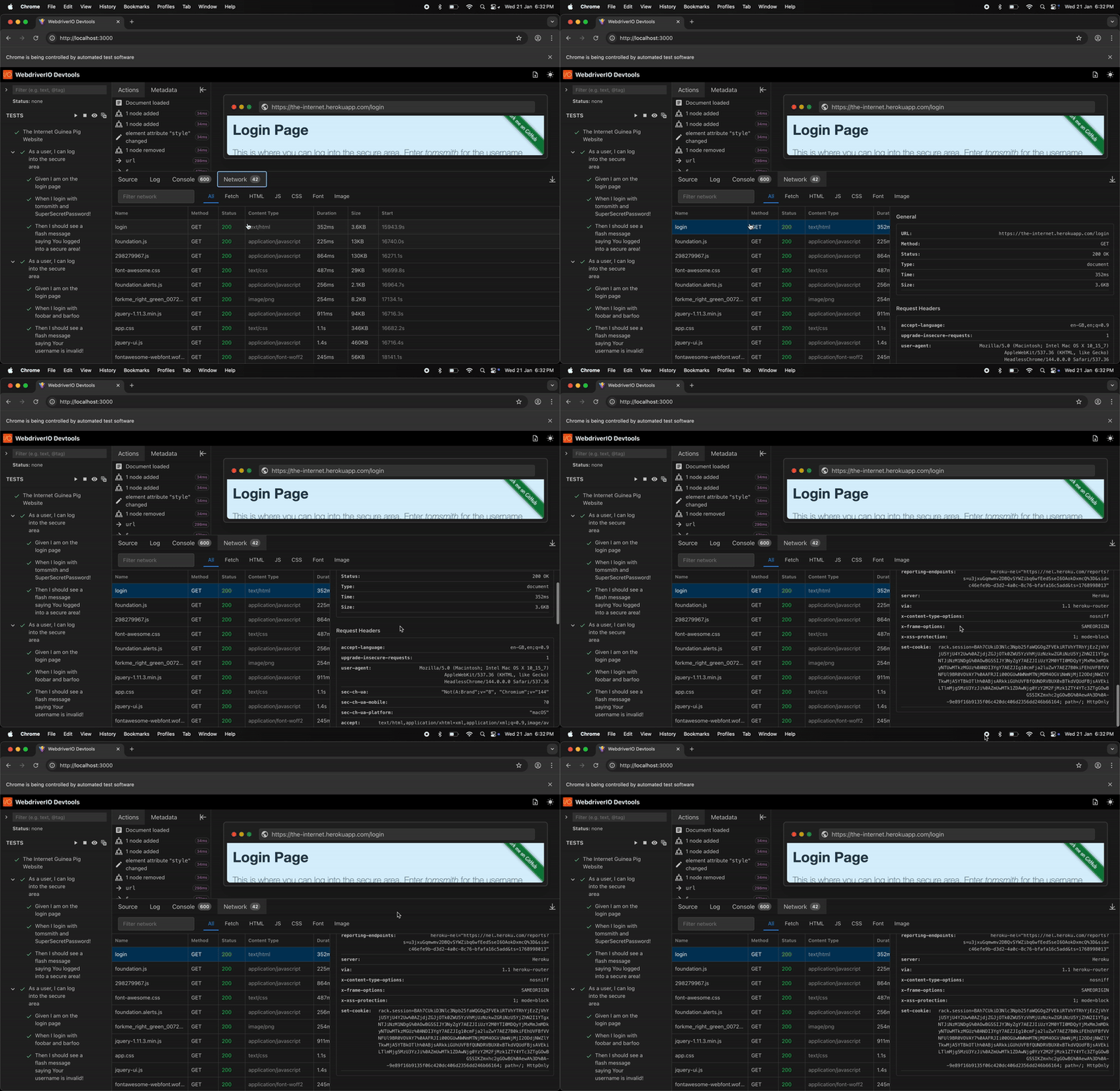
Monitor and inspect all network activity during your tests. DevTools captures every HTTP request and response, giving you complete visibility into API calls, resource loading, and network timing - just like browser DevTools.
What Gets Captured:
- Request details - URL, method, headers, query parameters, request body
- Response data - Status code, response headers, response body, timing
- Resource types - XHR/Fetch requests, scripts, stylesheets, images, and more
- Performance metrics - Request timing, duration, and network waterfall
This is invaluable for debugging API issues, identifying slow requests, validating data payloads, and understanding your application's network behavior during tests.
Demo
🌐 Network Logs