Interactive Test Rerunning & Visualization
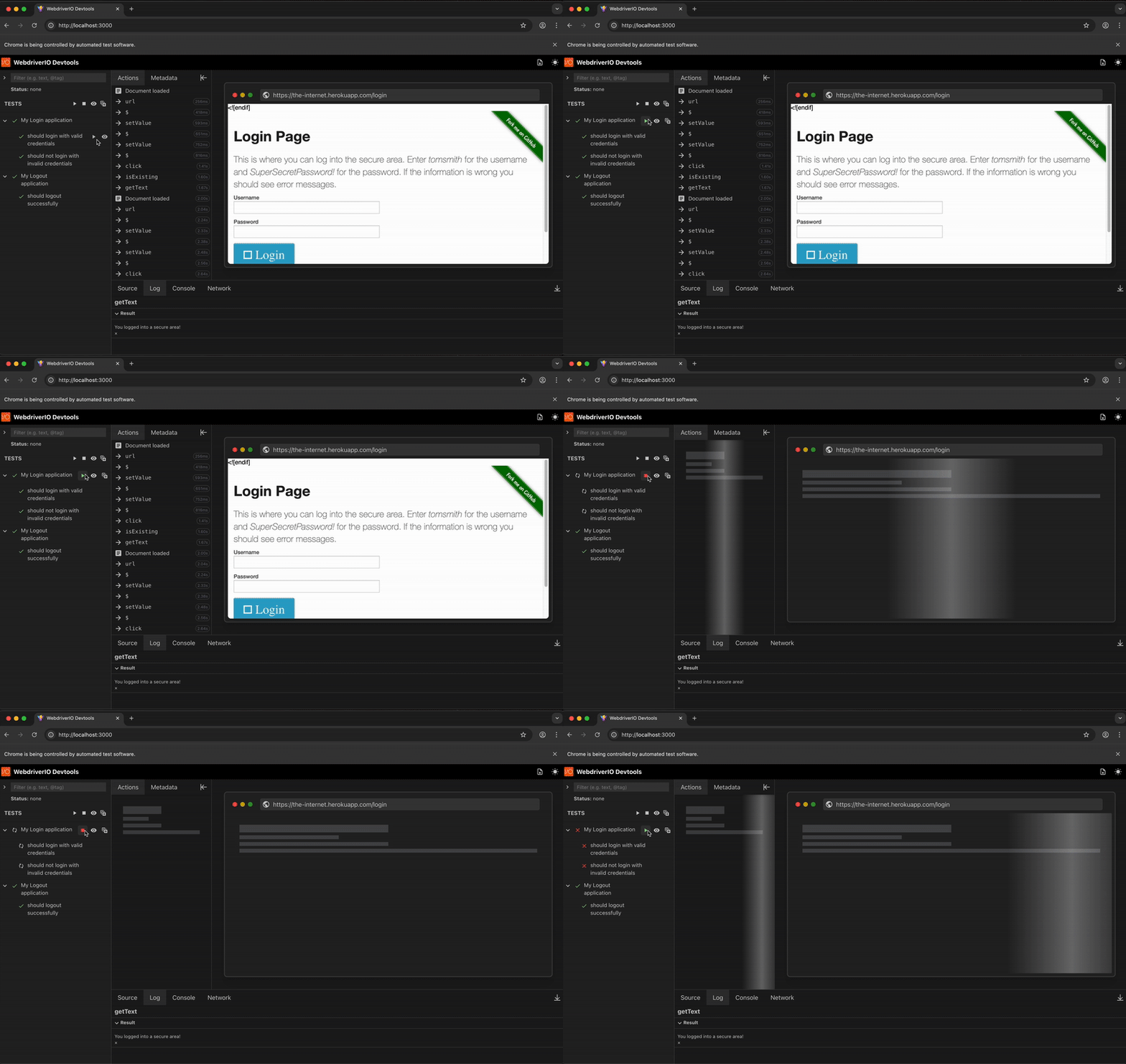
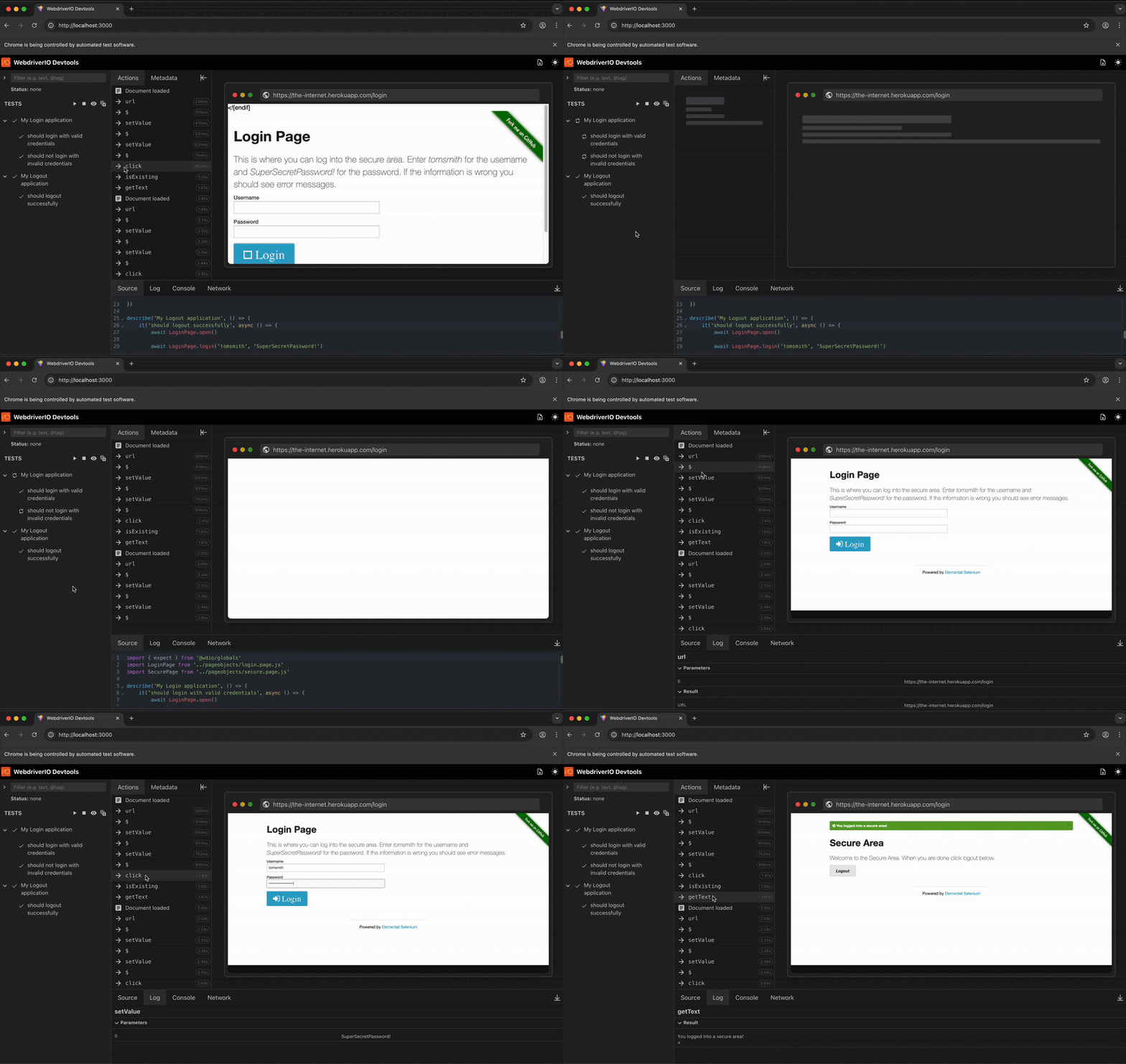
Watch your tests execute in real-time with live browser previews and automatic screenshots captured after each WebDriver command. The UI displays a complete visual timeline of your test execution, showing the exact browser state at each step.
After your initial test run completes, click on any test case or suite in the DevTools UI to re-execute it instantly. This eliminates the need to restart your entire test runner or modify your code, dramatically speeding up debugging cycles.
Key Features:
- Real-time visualization - Automatic screenshot capture after every command (click, toBeExisting, etc.)
- Live browser preview - See your application's current state during test execution
- Command timeline - View detailed logs with timestamps for each action
- Interactive rerunning - Click any test or suite to re-execute it instantly
- Same-session execution - Tests rerun in the same browser session for faster feedback
- Scrollable history - Review any point in test execution
Demo
🛠️ Test Rerunner & Snapshot
🛑 Stop Test Runner